
See the stone in their kitchen — before they leave
The biggest reason a customer walks out to "think about it" is that they can't picture the stone in their own space. The StoneOS AI Visualizer closes that imagination gap on the spot.
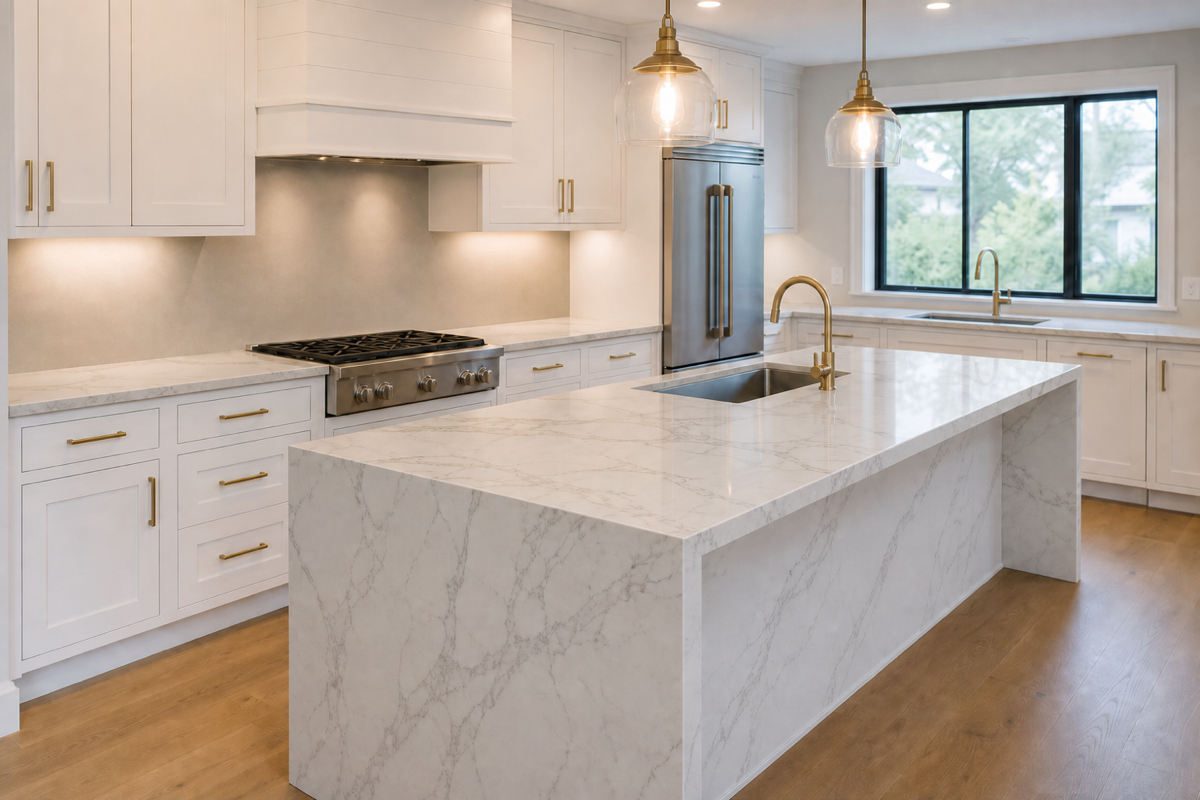
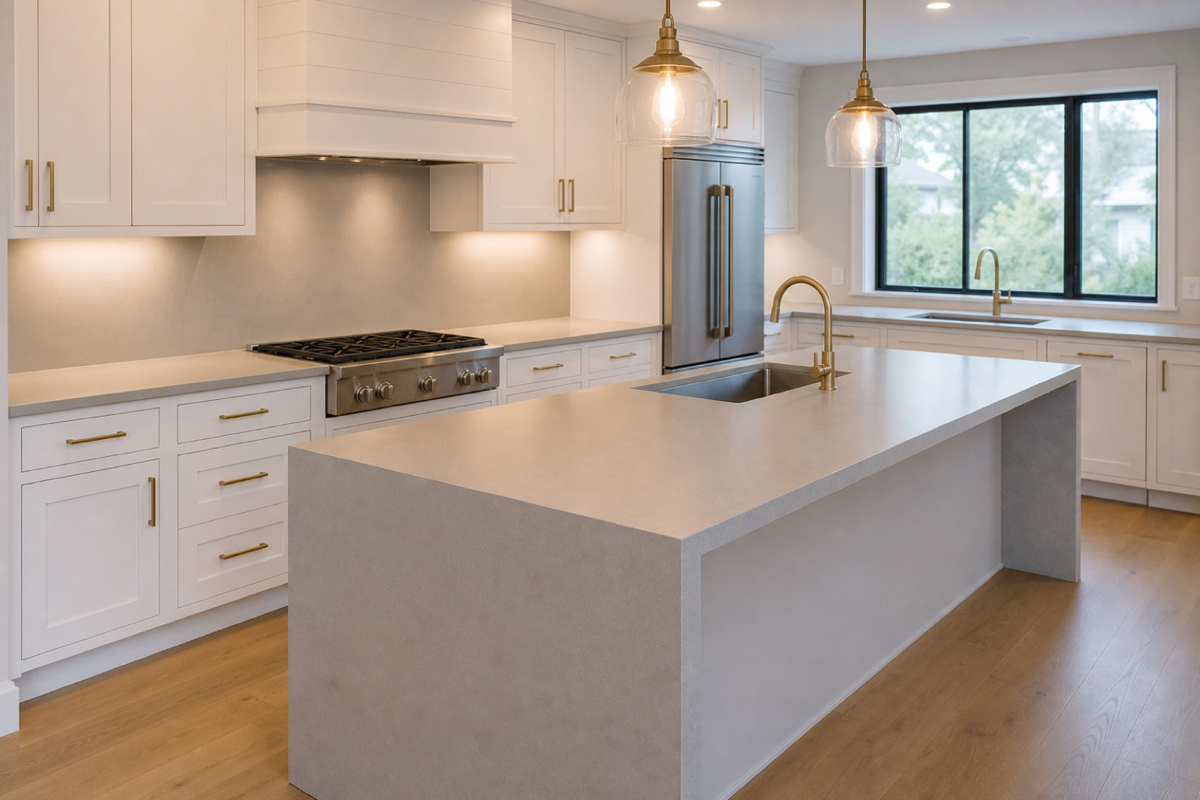
Drag the slider to see the customer’s real room transform.
How it works
Bring in the real room
The customer scans a QR code and snaps their kitchen, uploads a photo, or you start from a preset scene — it appears on your screen.
Render in about 10 seconds
Any stone in your catalog is rendered onto the room photorealistically, matched to the room’s real light.
Multiple surfaces at once
Show countertops, island, and backsplash together, and swap cabinet colors from a fixed palette. Floor renders on its own.
Send it home — no prices
Star the favorites and email the renders to the customer with no pricing attached, so the decision travels home with them.
What you get
- Room capture by QR scan, photo upload, or preset scenes
- Photorealistic renders in roughly 10 seconds
- Countertops, island, and backsplash rendered together
- Optional cabinet colors from a fixed palette
- Before/after and side-by-side comparison
- Starred favorites emailed to the customer with no prices
- Also available on the floor kiosk and on the phone with StoneOS Field
Explore more of StoneOS
Ready to see it on your floor?
Get your showroom enabled on StoneOS™.