
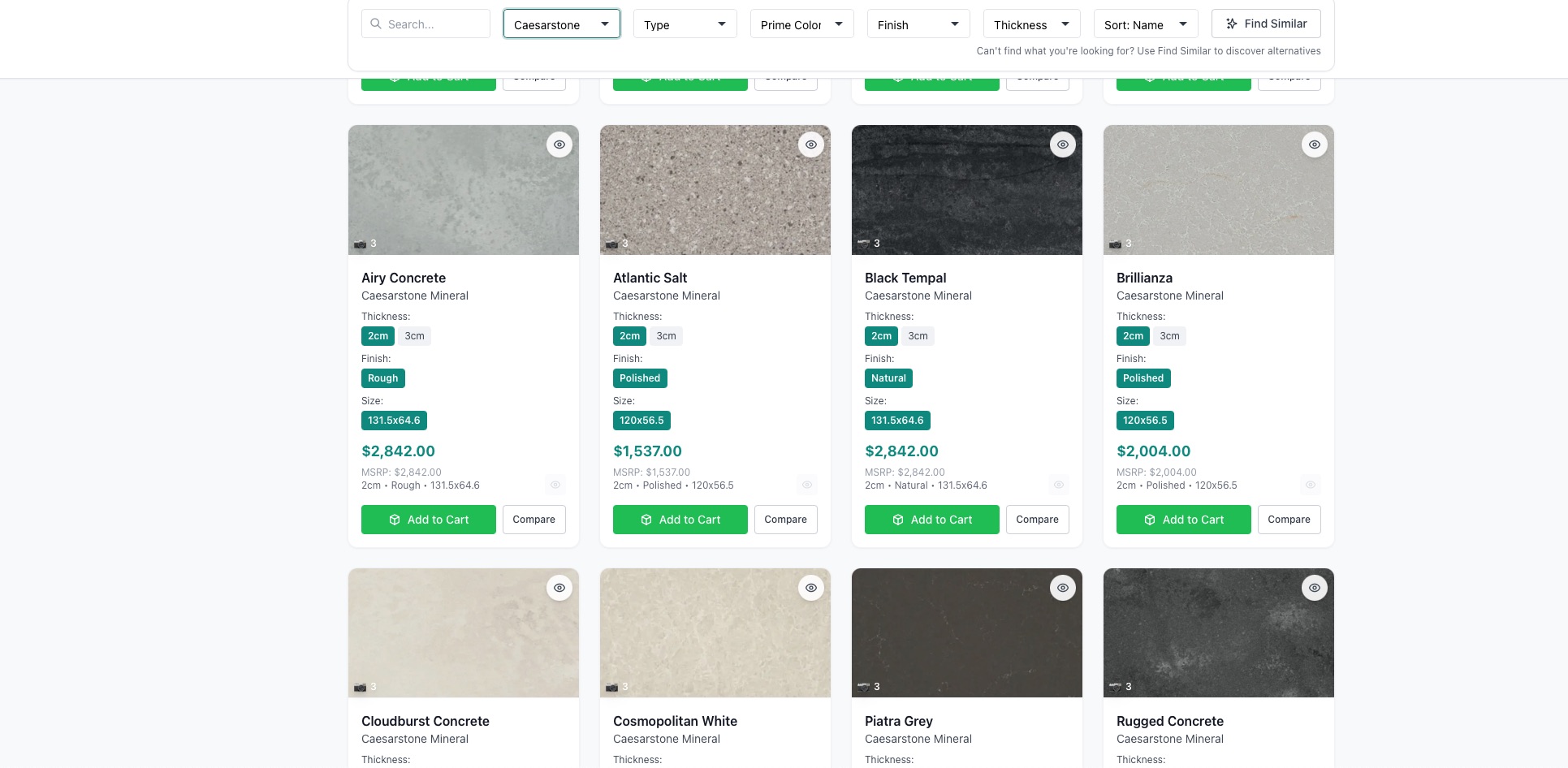
Choosing software for a stone showroom is harder than it should be. The category is crowded with tools that were really built for fabrication shops, generic CRMs that don't understand stone, and point solutions that solve one problem and ignore the rest. If you're evaluating options in 2026, here's a practical checklist grounded in what actually moves the needle on a showroom floor.
1. A unified, multi-brand catalog
You carry many brands, each priced its own way. Your software should bring them into one catalog, searchable, filterable, and always current. If the tool can't show every brand together with consistent filtering by type, color, thickness, and finish, you'll end up back in spreadsheets.
Ask: Can I see all my brands in one place, or is each one a separate silo?
2. Pricing truth, cost and client price together
The catalog is only useful if it carries pricing that protects your margin. Look for wholesale cost and client price shown side by side at the moment of quoting, plus control over which team members can see cost.
Ask: Can the person building a quote see the margin right then? Can I hide wholesale cost per team member?
3. Fast, live quoting
A quote that takes until tomorrow competes with everyone else's. You want quotes built live at the counter, saved under a quote number, and reloadable on the next visit.
Ask: Can my team build and send a quote while the customer is still standing there?
4. Visualization that closes the imagination gap
The single biggest reason customers leave to "think about it" is that they can't picture the stone in their space. An AI visualizer that renders catalog stone onto the customer's own room, countertops, island, and backsplash together, turns hesitation into decision.
Ask: Can I show the customer their actual kitchen with the stone in it, in seconds?
5. A way to handle the floor when you're busy
On peak days, unattended customers walk out. A Discovery Hub kiosk lets walk-ins browse and compare on their own, with wholesale cost hidden, then hands your team a warm lead and a cart code.
Ask: What happens to customers I can't get to right now?
6. Analytics you'll actually use
Running a floor on gut feel only gets you so far. Look for analytics that show revenue, order trends, top-selling stones, and team performance, with exports and reports, and not just a wall of vanity metrics.
Ask: Will this tell me what's selling and how my team is performing?
7. Accounting that connects
Double-entering orders into accounting is a tax on your time and a source of errors. QuickBooks integration that syncs orders, invoices, and customers keeps the books current without the retyping.
Ask: Does this connect to my accounting, or create more manual work?
What you don't need (and shouldn't pay for)
Just as important is knowing what to skip:
- Fabrication features, saw programming, slab nesting, shop scheduling, if you're a showroom, not a shop.
- Buzzword features that don't exist yet. Be skeptical of promises around things a vendor can't actually demo today.
- Anything that locks your customers into a generic experience. Your customer-facing materials should carry your brand.
Paying for capability you'll never use is as costly as missing capability you need.
Put it together
The best showroom software in 2026 isn't the one with the longest feature list. It's the one that nails the handful of things a showroom does every day: present a unified catalog, price with margin visibility, quote fast, help customers see and decide, capture leads when you're slammed, show you the numbers, and connect to your books.
StoneOS was built around exactly that checklist: a showroom platform, not a fabrication tool wearing a showroom hat. Take the questions above into every vendor conversation you have, and hold us to them too.
If you want to start somewhere, the StoneOS overview is the big picture, and the Wholesale Catalog, AI Visualizer, and Discovery Hub pages cover the pieces most showrooms ask about first.