
Your Brand
Customers see your showroom, not our software
Everything your customer sees should feel like it came from your showroom. StoneOS puts your logo and showroom name on the customer-facing quotes, comparisons, and emails.
How it works
1
Add your logo and name
Upload your showroom logo and set your name so they appear on customer-facing materials.
2
Branded customer emails
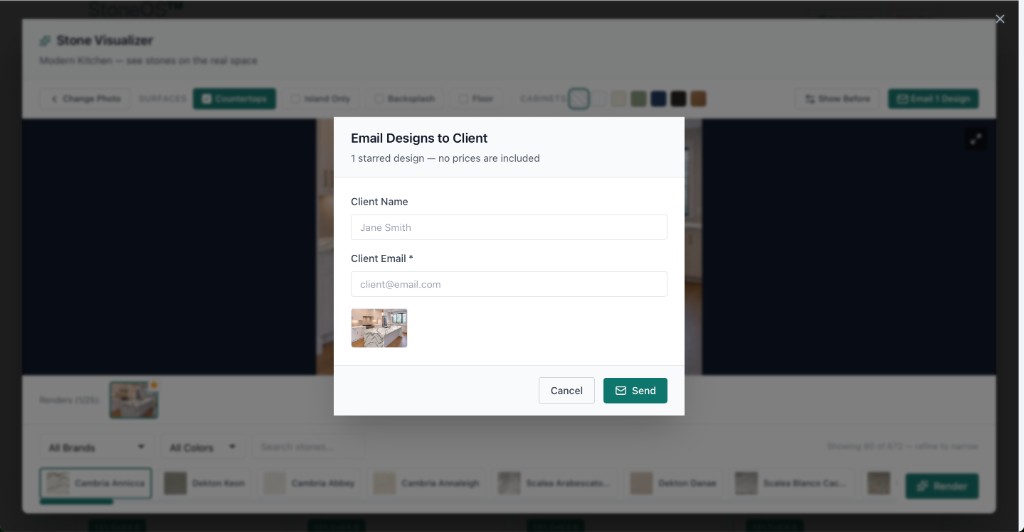
Stone comparisons and visualizer renders go out under your showroom’s brand.
3
Consistent across the journey
From quote to comparison to follow-up, the customer sees one consistent brand — yours.
What you get
- Your logo and showroom name on customer-facing materials
- Branded stone comparison emails
- Branded visualizer render emails
- A consistent brand experience for every customer
Explore more of StoneOS
Ready to see it on your floor?
Get your showroom enabled on StoneOS™.